
Email Design System
Web (Email/CRM)
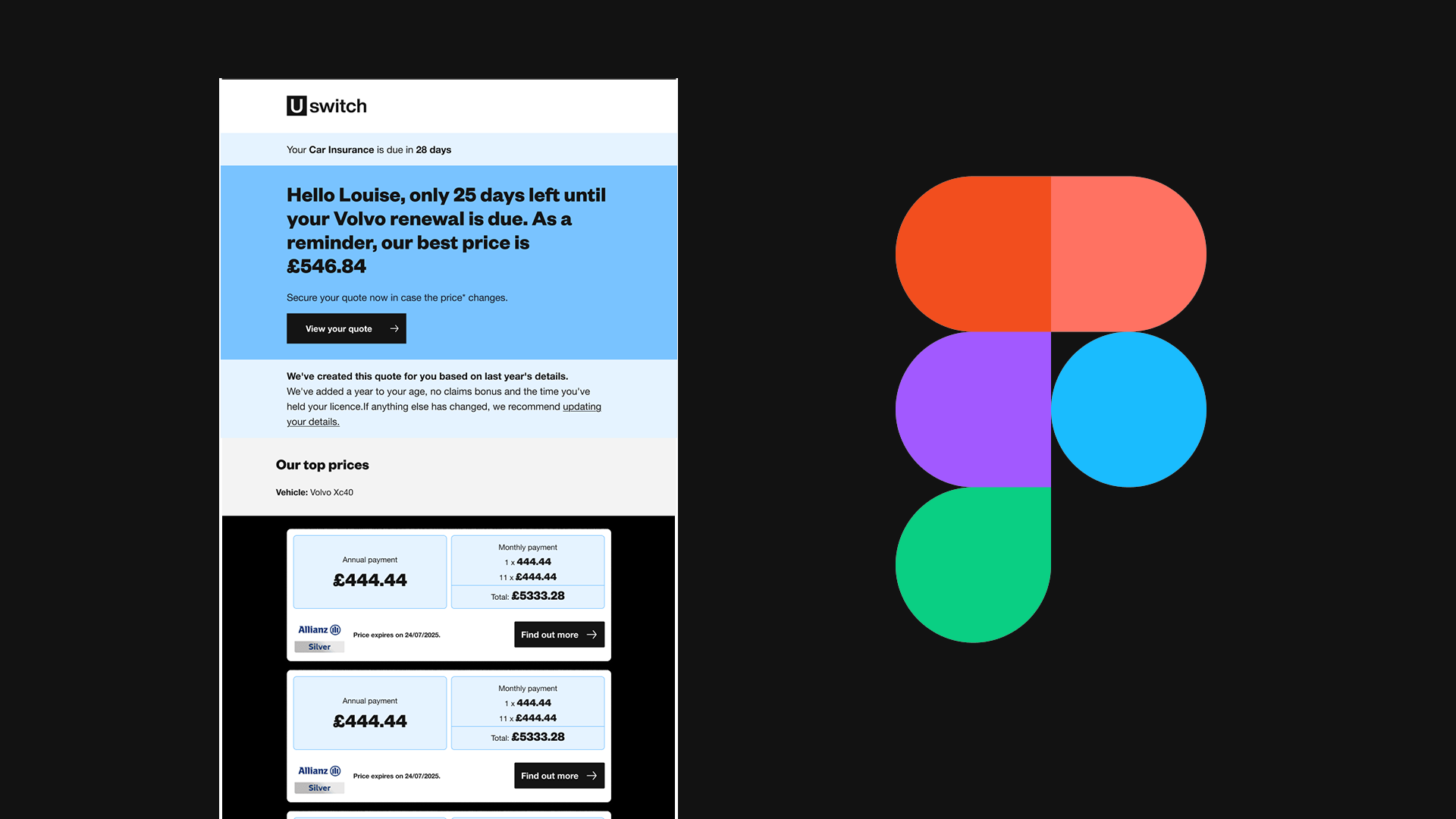
I led the refresh of Uswitch’s Email Design System to bridge the gap between our CRM capabilities and our latest brand identity. The old system was feeling its age—it was inconsistent, clunky on mobile, and honestly, a bit of a headache for the CRM team to use.
The Challenge
• Modules looked dated and didn't match our new visual language.
• Responsiveness was hit-or-miss across different email clients.
• Too many one-off components and "zombie" modules that nobody used.
• Building a simple email took way longer than it should have.
• Responsiveness was hit-or-miss across different email clients.
• Too many one-off components and "zombie" modules that nobody used.
• Building a simple email took way longer than it should have.
What I Did
I started with a deep-dive audit and sat down with the CRM team to see what was actually working (and what wasn't). I then rebuilt the system from the ground up using Atomic Design principles. I overhauled the foundations—typography, spacing, and colour—while keeping a strict eye on the weird technical constraints of email dev.
The Result
• A library of atoms and molecules that snap together effortlessly.
• Emails that look great whether they’re opened on an iPhone or an old version of Outlook.
• We stripped away the fluff, giving the CRM team a leaner, faster workflow.
• Emails that look great whether they’re opened on an iPhone or an old version of Outlook.
• We stripped away the fluff, giving the CRM team a leaner, faster workflow.
The Impact
By simplifying the system, we didn't just get prettier emails—we got a faster turnaround time for campaigns and a much happier marketing team
Key Learning
Email is a high-constraint environment. I learned that keeping a system simple isn't just a design choice; it's the only way to ensure it actually gets adopted by the team.